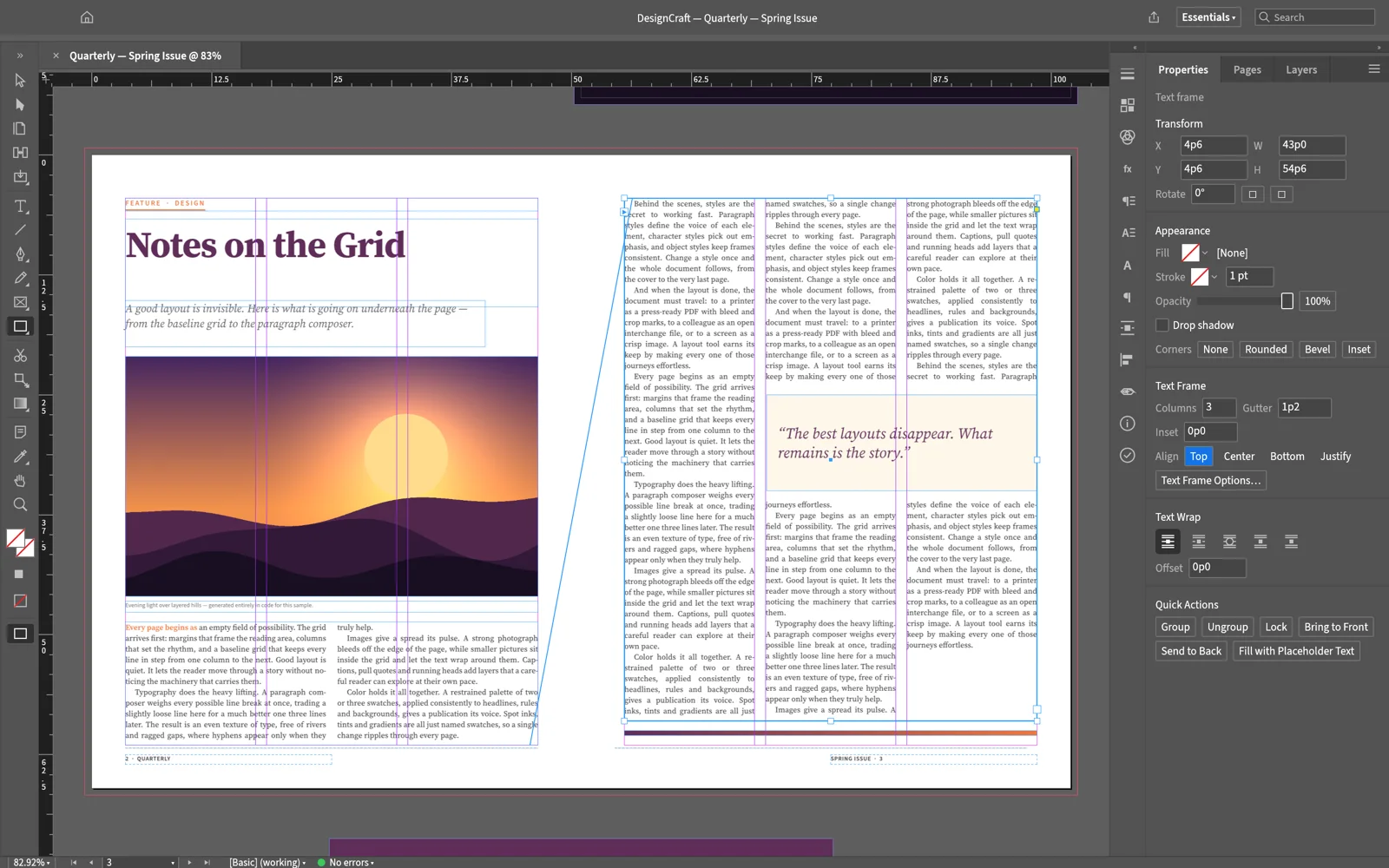
IDML in and outOpen InDesign Markup files and export them back
Print-ready PDFPDF/X-4 and PDF/A-2b, with bleed and marks
Private by designEvery page is laid out on your device
10 languagesInterface language under Edit, from German to Japanese
Questions
Is DesignCraft Online free?
Yes. DesignCraft is free and open source, there is no account, and nothing is locked behind a plan. The optional AI tools use your own API key, so any AI usage is billed by your provider, not by us.
Is this the official DesignCraft site?
No. This is an independent site. It hosts the unmodified web build that the ArtCraft team publishes with each DesignCraft release on GitHub, keeps it on the latest version, and adds guides and an AI panel around it.
Can it open InDesign files?
It opens and saves IDML, the InDesign Markup format, which InDesign can export. It cannot open .indd files yet; that is the top file-format gap on the project’s list. Ask for an IDML when someone sends you an InDesign document.
Are my documents uploaded anywhere?
No. DesignCraft runs inside your browser with WebAssembly. Opening, editing, saving and exporting all happen on your device; files open from your disk and save back as downloads. The only exception is the AI panel, which sends your prompt straight to the AI provider whose key you entered.
Does it save my work automatically?
No. The browser version has no autosave or crash recovery, so use File › Save, which downloads a .designcraft file, before you close or reload the tab. The desktop app recovers unsaved documents after a crash.
Which fonts can I use?
The browser build carries its own fonts: Source Serif 4, Source Sans 3, Inter and JetBrains Mono, plus BIZ UDPGothic for Japanese. A web page cannot use the fonts installed on your computer, so text in other fonts is drawn with a substitute. The desktop app uses your installed fonts.
Which browsers work?
A current Chrome, Edge, Firefox or Safari with WebGPU or WebGL2. DesignCraft uses WebGPU when it can and falls back to WebGL2 on its own. A laptop or desktop with a mouse is strongly recommended.
Is it ready for professional work?
Not yet. DesignCraft is pre-alpha. Most layout features are in place, but you cannot yet thread text from one frame to another by hand (long text flows with autoflow when you place it), and IDML files can reflow slightly differently from InDesign. It is good for flyers, posters, single pages and experiments today.